The EU's new AI transparency rules: a guide for UX/UI designers
The EU's new AI transparency rules: a guide for UX/UI designers
Joris Kersten
•
Artificial Intelligence
Inclusive Design

I found out about Article 50 the way most designers find out about anything legal: a Teams channel. It got a few thumbs-up. Not much else. Especially not from designers. Turns out it actually mattered. Starting 2 August, the AI Act's transparency obligations kick in. And they come with real design responsibilities, not just legal ones. What does transparency look like inside a user interface? And how to make sure your designs are complaint with this AI law? If you're working on a chatbot, an assistant, or any generative feature, here's what you need to know.
What actually needs to be transparent
The law covers four specific situations. Chances are your work touches at least one of them.
When AI interact directly with people. Chatbots, virtual assistants, anything that could pass for a human on the other end.
When AI generates content. Text, image, video, or audio that's been created or modified by AI.
When AI is used for emotion or biometric detection. Systems that read emotions or sort people by age, gender, or other biometric signals.
When AI creates deepfakes and AI text on public matters. Politics, health, safety, anything where authenticity of your message truly matters.
Keep in mind, not all AI-assisted work needs to be covered. For instance, the transparency obligation does not apply where the AI-generated text has been reviewed and edited by a human. In that case a person or entity takes editorial responsibility for it.
What actually needs to be transparent
The law covers four specific situations. Chances are your work touches at least one of them.
When AI interact directly with people. Chatbots, virtual assistants, anything that could pass for a human on the other end.
When AI generates content. Text, image, video, or audio that's been created or modified by AI.
When AI is used for emotion or biometric detection. Systems that read emotions or sort people by age, gender, or other biometric signals.
When AI creates deepfakes and AI text on public matters. Politics, health, safety, anything where authenticity of your message truly matters.
Keep in mind, not all AI-assisted work needs to be covered. For instance, the transparency obligation does not apply where the AI-generated text has been reviewed and edited by a human. In that case a person or entity takes editorial responsibility for it.

How to design for AI transparency
Designers aim to create the best user experience. The ones that inform our users, build trust and reduce the risk of misinformation. To achieve this, there are two things to get right here.
First: when your product uses AI-generated or manipulated text, video or images, you need a visible, accessible label for the user. That means the AI icon should be:
Clearly perceivable in a clearly visible size.
Positioned so it doesn't overlap with other elements.
Still visible when content is reshared, downloaded, or forwarded it into a Teams channel for a couple likes.
Readable by assistive technologies using alt text or ARIA labels. This way, visually impaired users are also aware the content is AI-generated or manipulated.
Second: the AI output should be marked in a machine-readable format and ensure they are detectable as artificially generated or manipulated. Call it the part regulators clearly wrote for a future where humans aren't the ones doing the checking anymore.
How to design for AI transparency
Designers aim to create the best user experience. The ones that inform our users, build trust and reduce the risk of misinformation. To achieve this, there are two things to get right here.
First: when your product uses AI-generated or manipulated text, video or images, you need a visible, accessible label for the user. That means the AI icon should be:
Clearly perceivable in a clearly visible size.
Positioned so it doesn't overlap with other elements.
Still visible when content is reshared, downloaded, or forwarded it into a Teams channel for a couple likes.
Readable by assistive technologies using alt text or ARIA labels. This way, visually impaired users are also aware the content is AI-generated or manipulated.
Second: the AI output should be marked in a machine-readable format and ensure they are detectable as artificially generated or manipulated. Call it the part regulators clearly wrote for a future where humans aren't the ones doing the checking anymore.

The AI icons and when to actually use them
A label should be recognisable and consistent. While we'd love to have had a go at it, the EU already took care of the visual side. They've provided three icons for labelling AI-generated content, ready to drop into your designs. It's worth knowing which one goes where, before you start your next AI project.
Basic icon | Fully AI-generated | Partially AI-modified |
|---|---|---|
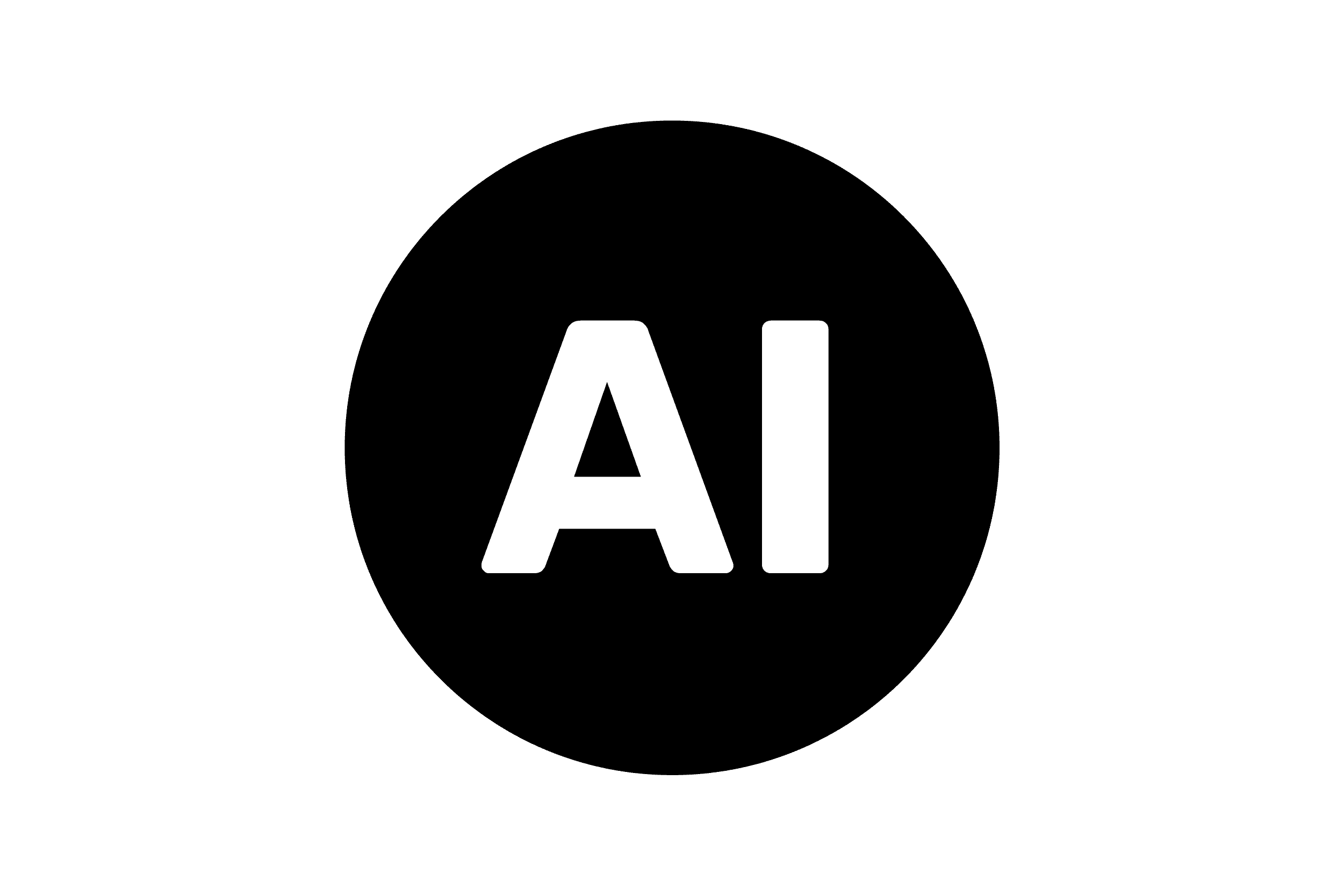 | 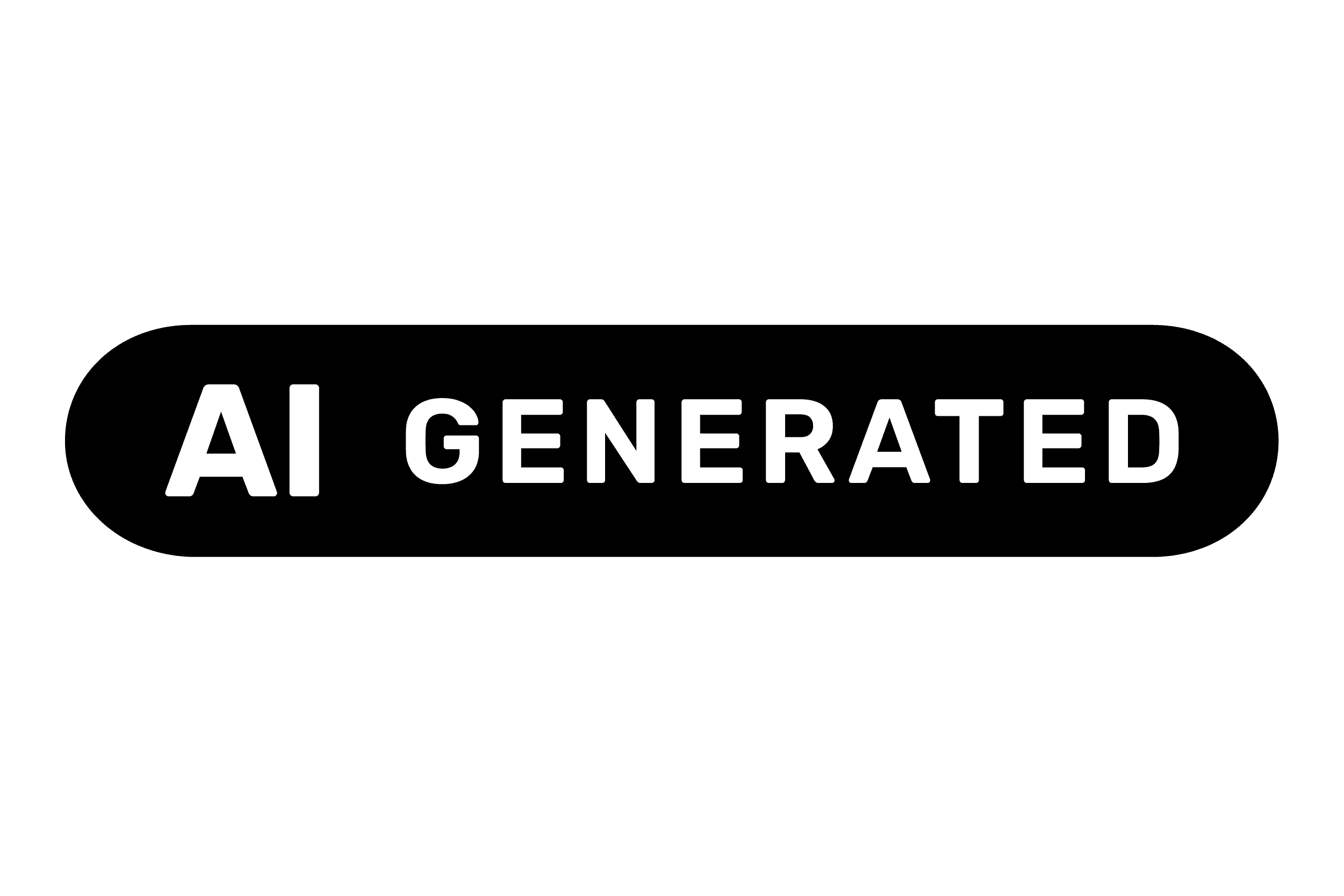 | 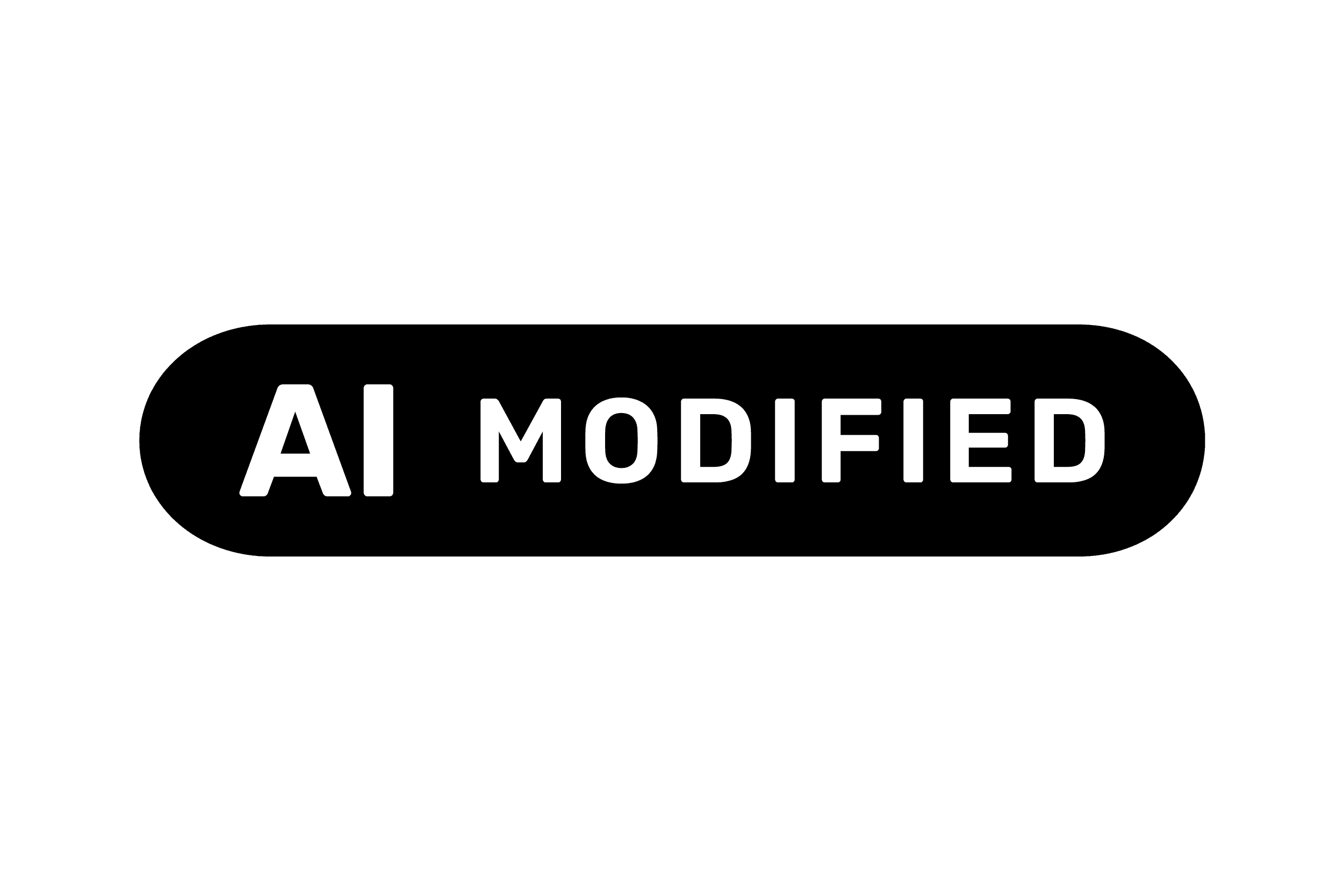 |
When to use? The general-purpose mark. Use this icon when you're pairing it with your own plain-language wording (a best practice according to user testing), or inside UI where a pill lockup won't fit. | When to use? The AI-generated icon is used for output that's entirely created by AI. Think generated images, a synthetic voice-over, or an AI-written summary without human edit. | When to use? AI-modified here means: human-made content, that was changed by AI. For example, a photo with its background extended, a recording that was cleaned up or copy that was rewritten. |
The AI icons and when to actually use them
A label should be recognisable and consistent. While we'd love to have had a go at it, the EU already took care of the visual side. They've provided three icons for labelling AI-generated content, ready to drop into your designs. It's worth knowing which one goes where, before you start your next AI project.
Basic icon | Fully AI-generated | Partially AI-modified |
|---|---|---|
| | |
When to use? The general-purpose mark. Use this icon when you're pairing it with your own plain-language wording (a best practice according to user testing), or inside UI where a pill lockup won't fit. | When to use? The AI-generated icon is used for output that's entirely created by AI. Think generated images, a synthetic voice-over, or an AI-written summary without human edit. | When to use? AI-modified here means: human-made content, that was changed by AI. For example, a photo with its background extended, a recording that was cleaned up or copy that was rewritten. |
To be compliant with the AI Act, there's a big responsibility for both companies and designers. Design has always carried an obligation to be trustworthy and make information accessible and clear to any user. This time isn't any different.
Yet, maybe the most transparent thing about the AI Act is this: it tells you exactly what happens if you're not. Fines can reach €15 million. Or 3% of global annual turnover. Which is exactly why your next project should start with transparency by design.
Want a deep dive into the legal language behind it? Article 50 itself is worth the read.
To be compliant with the AI Act, there's a big responsibility for both companies and designers. Design has always carried an obligation to be trustworthy and make information accessible and clear to any user. This time isn't any different.
Yet, maybe the most transparent thing about the AI Act is this: it tells you exactly what happens if you're not. Fines can reach €15 million. Or 3% of global annual turnover. Which is exactly why your next project should start with transparency by design.
Want a deep dive into the legal language behind it? Article 50 itself is worth the read.